Users#
The Users section lets you create and edit users.
1. User list#
Open Users in the left menu.
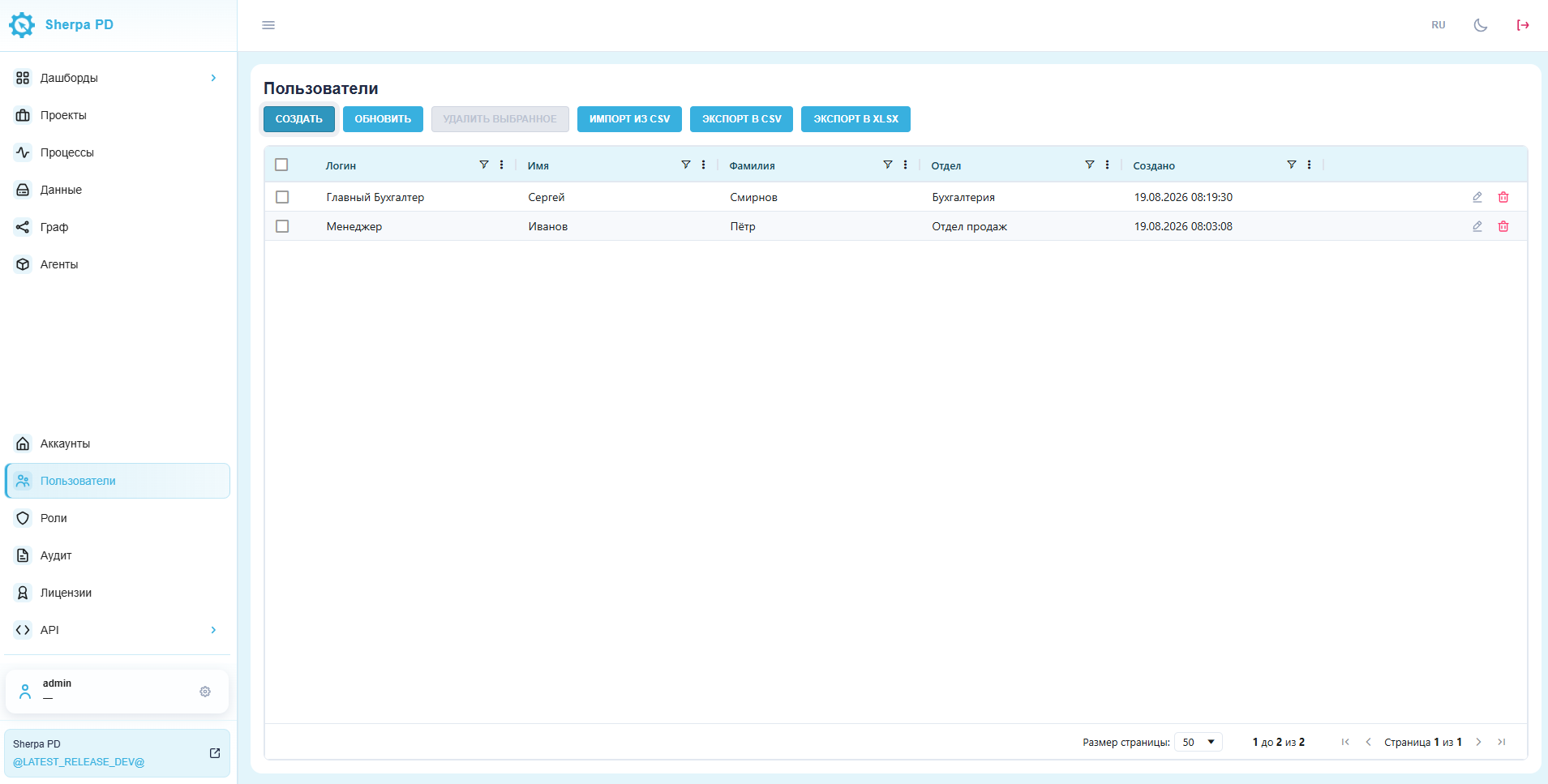
If this item is not in the menu, click the gear icon next to your user name. In the pop-up menu, click the pin icon next to Users to add the section to the main menu.
The users table contains these columns:
- login;
- first name;
- last name;
- department;
- created;
- controls for editing and deleting a user.
2. Creating a user#
When creating a user, you must assign a role in addition to filling in the main fields listed above.
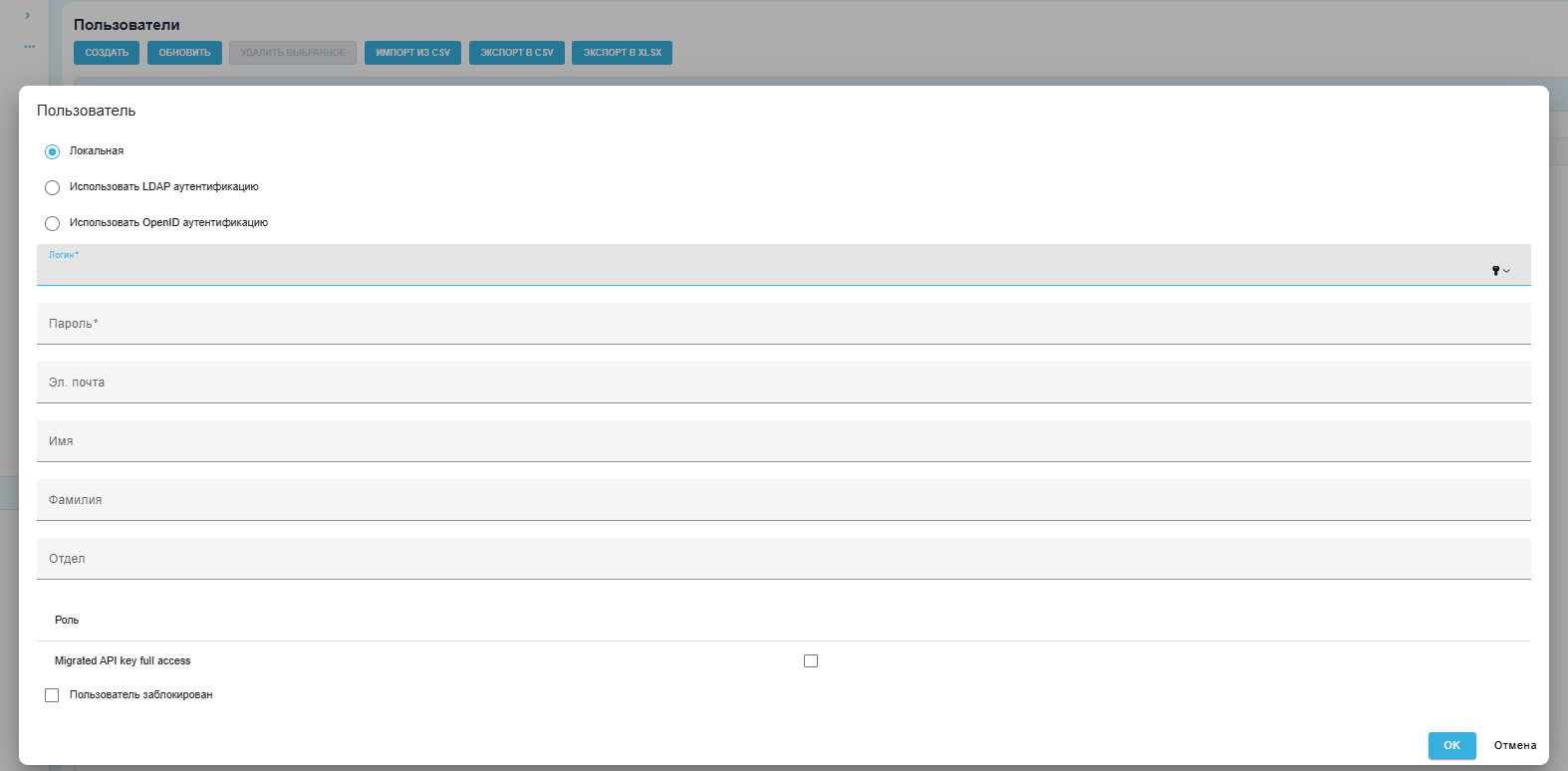
The role determines which permissions the user has in each section.