
Accounts#
Open Accounts in the left menu.
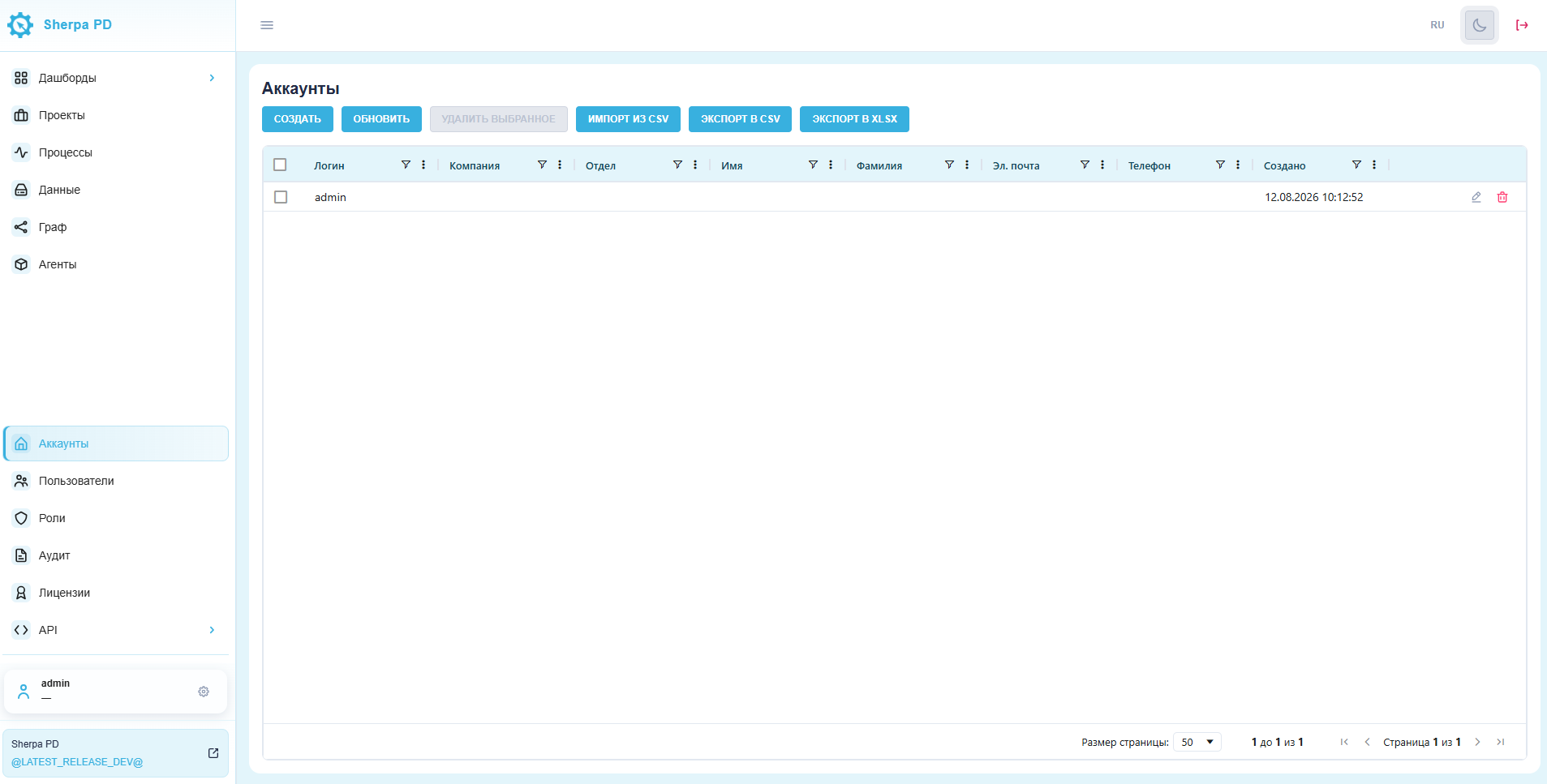
If this item is not in the menu, click the gear icon next to your user name. In the pop-up menu, click the pin icon next to Accounts to add the section to the main menu.
The Accounts section lists all accounts.
With the appropriate permissions, you can create, edit, and delete accounts. You can import accounts from a CSV file and export them as CSV or XLSX.
The table contains these columns:
- account login;
- company name;
- department;
- first name;
- last name;
- email;
- phone;
- created;
- controls for editing and deleting an account.