Screens#
Guides to the main sections of Sherpa Process Discovery:
- Dashboards
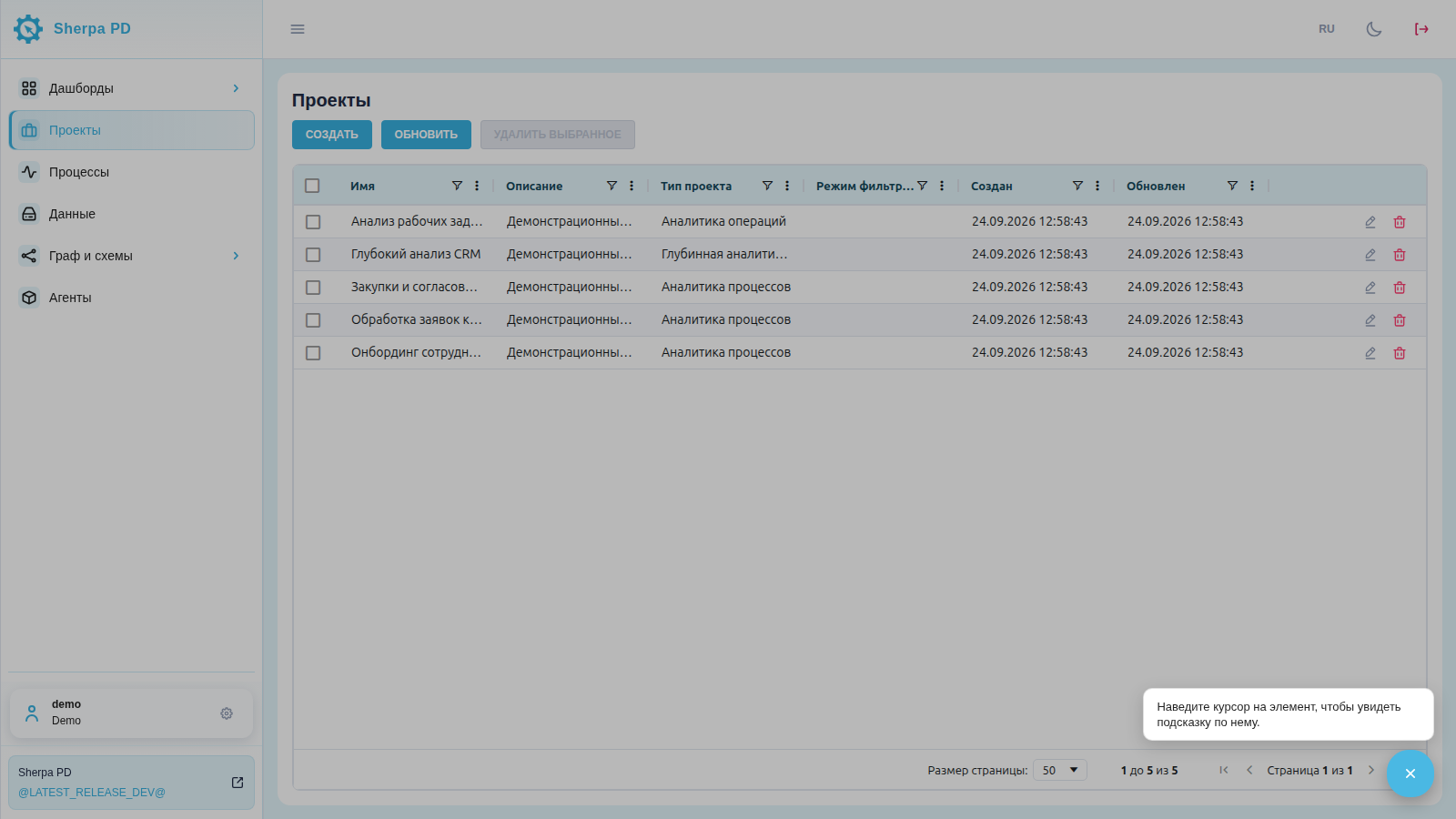
- Projects
- Processes
- Data
- Graph
- BPMN Diagram
- Agents
- Accounts
- Users
- Roles
- Audit
- Licenses
- API
Context help in the interface#
A ? button is available in the lower right corner of every screen to turn on Help mode.
- Click the button to turn on Help mode.
- Hover over an interface element (or tap it on a touch screen) to show a localized hint.
- Click ? again to turn off Help mode (Exit Help mode).
Hints describe the purpose of buttons, filter fields, menu items, and screen areas. They are available in Russian and English; switch the interface language in the header.